
No VPS execution path
MetaAPI-connected accounts do not need a running MetaTrader terminal, EA, or Windows Client on your computer or VPS.
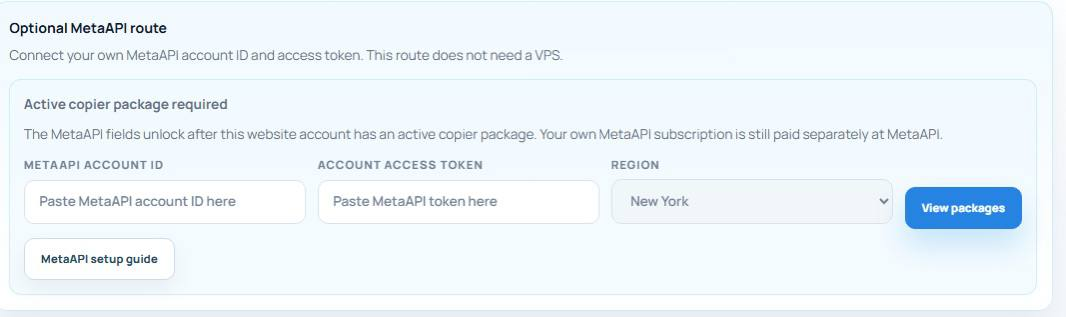
Yes. The MetaAPI connector provides cloud execution for connected MT4 and MT5 accounts without a running EA or VPS. You need an active copier package and your own separately paid MetaAPI subscription.
No. The copier package includes access to the connector. You create, manage and pay for your MetaAPI subscription separately. Account capacity and platform features depend on the respective plans.
In cloud dashboard mode, Telegram listening runs on the server and MetaAPI handles execution. Your browser does not need to stay open, but the subscriptions, Telegram session and broker connection must remain active.
No. It copies messages from the Telegram sources you choose. Parsing and connection checks do not assess whether a signal is suitable or profitable. Test the workflow on a demo account before deciding how to use it.
Review the execution requirements and total costs before choosing a copying method.
Privacy choices
Essential cookies keep your account secure. Optional analytics, live chat and Google Ads conversion measurement run only when you allow them. Ad measurement links ad clicks to completed registrations and paid plans; it does not enable personalised ads. See our Cookie Policy and Privacy Policy.
Privacy settings
Control which optional services can run on this device. You can change these choices anytime.